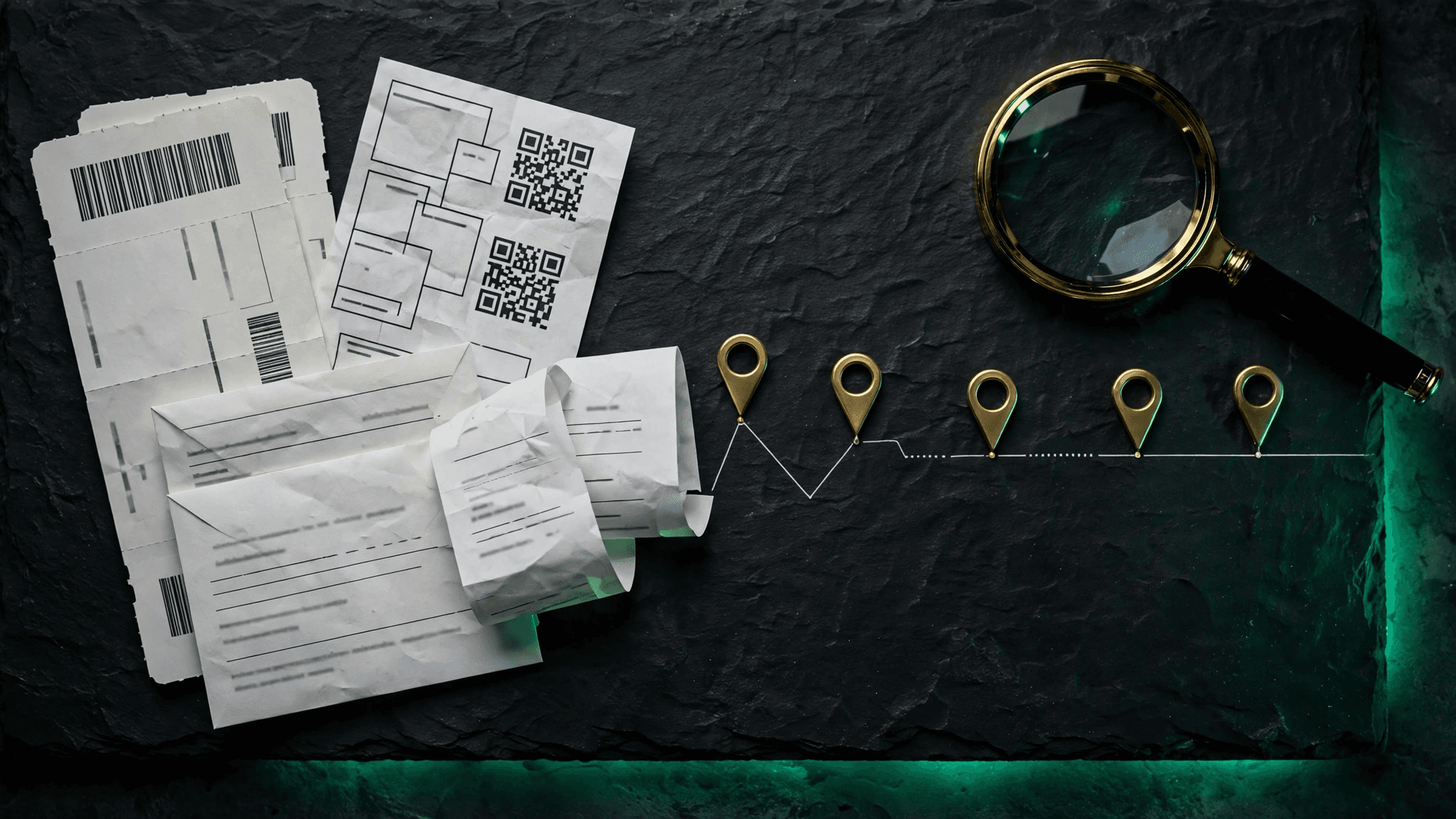
A visa application landed on Sara's desk with a familiar, dreaded question: list every country you've visited in the last ten years, with dates. Sara travels constantly for work — conferences, client sites, family weddings. She opened her passport and counted the stamps. Then she counted again. There weren't nearly enough. Some trips had no stamps at all. A few pages were a blur of faded ink. "There has to be a better way to figure out where I've been," she thought.
There is. Long before you had a system, you were leaving a trail — in your inbox, your airline apps, and your photo library. Here's how to reconstruct it.
Start with your inbox
Your email is the single richest source of historical travel data most people have. Booking confirmations contain exact dates, flight numbers, and destinations. Try these searches:
- Airline confirmations: search for "booking confirmation," "e-ticket," or "itinerary" — then filter by sender to catch each airline you fly.
- Hotel confirmations: "reservation confirmed" or "booking confirmation" from hotel chains and platforms.
- The long tail: don't forget buses, trains, and ferries. A Eurostar confirmation is just as much a border crossing as a flight.
Work backwards chronologically and build a simple list: date in, date out, country. Don't aim for perfection on the first pass — aim for completeness. You can verify details later.
Check your airline and travel apps
Most airline apps keep years of past bookings under "my trips" or "travel history," often with more detail than the email — including exact flight times and booking references. The same goes for hotel apps and platforms. Screenshot or export anything useful before it ages out; some apps only show a limited history.
Your photo library knows more than you think
Photos are timestamped and often geotagged. Scroll back through your camera roll around the dates you've found: a photo of a boarding gate, a hotel room, a restaurant receipt — each one corroborates a trip. If your photos have location data embedded, your phone's gallery or a desktop photo manager can show them on a map, which makes reconstructing itineraries surprisingly fast.
One caution: photos prove you were somewhere, but they don't always prove the exact entry and exit dates a form asks for. Use them to jog your memory and confirm bookings, not as your only source.
Fill the gaps honestly
You will have gaps. A land border crossing with no stamp, a trip booked by someone else, a weekend you genuinely can't pin down. For each gap, write down your best recollection and mark it as approximate. An honest "approximately March 2019" is far better than a confident guess presented as fact — visa officers would much rather see a careful traveller than a precise-sounding one whose dates don't add up.
Then make sure you never do this again
Reconstruction is rescue work. The real win is never needing it. Once you've rebuilt your history, keep it current: log each trip as you take it, with entry and exit dates, while the details are fresh. Future applications become a matter of exporting a report, not excavating an inbox.
How PassportTrail fits in
PassportTrail exists so Sara's weekend of inbox archaeology becomes a one-time project, not a recurring ritual. Import or log your reconstructed trips once, then keep the timeline current trip by trip. Your history stays complete, your dates stay exact, and the next time a form asks for ten years of travel, the answer is a few clicks away — not a few days of detective work.
Note: requirements for travel history vary by visa type and country. Always verify what a specific application asks for against official guidance. PassportTrail provides personal record-keeping tools, not legal or immigration advice.